






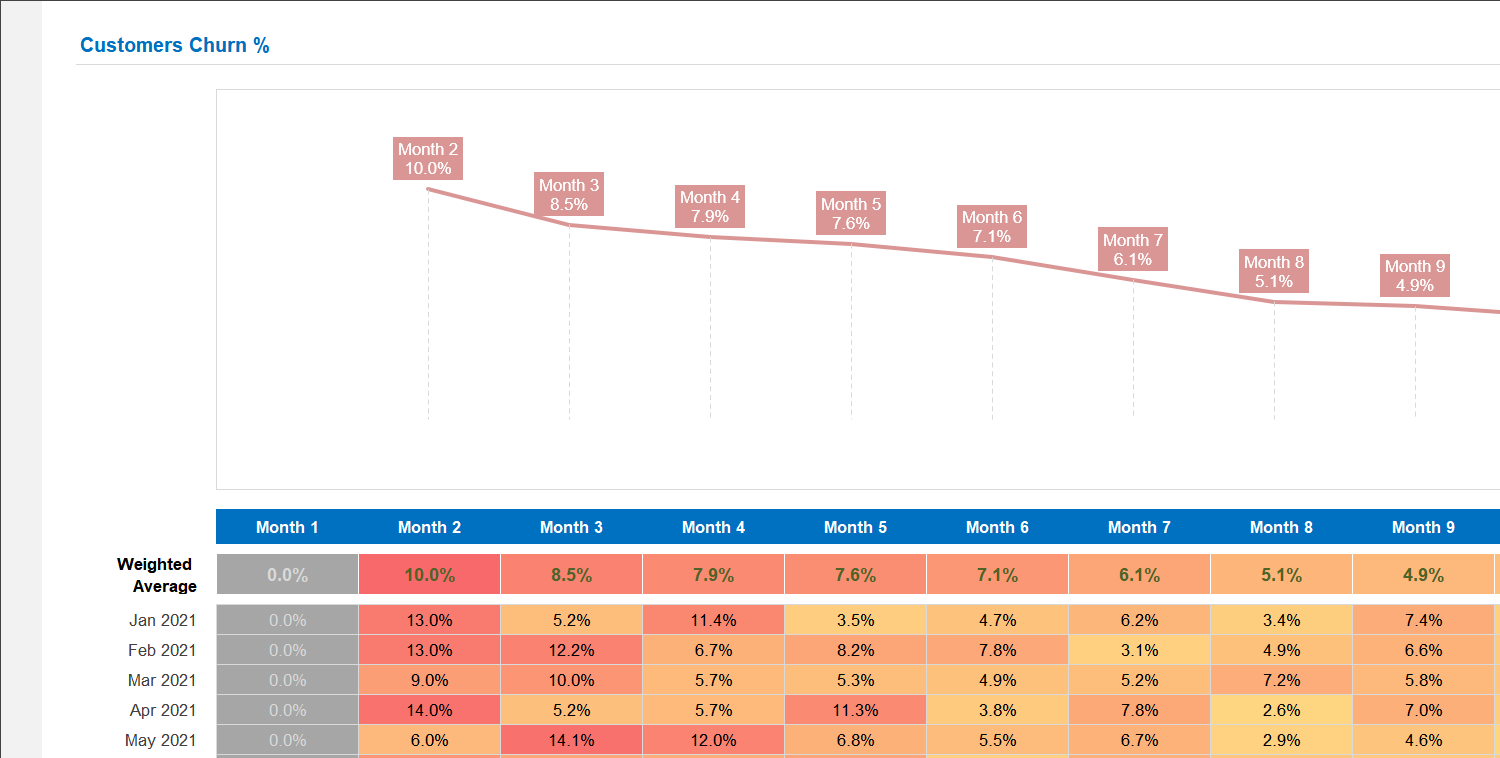
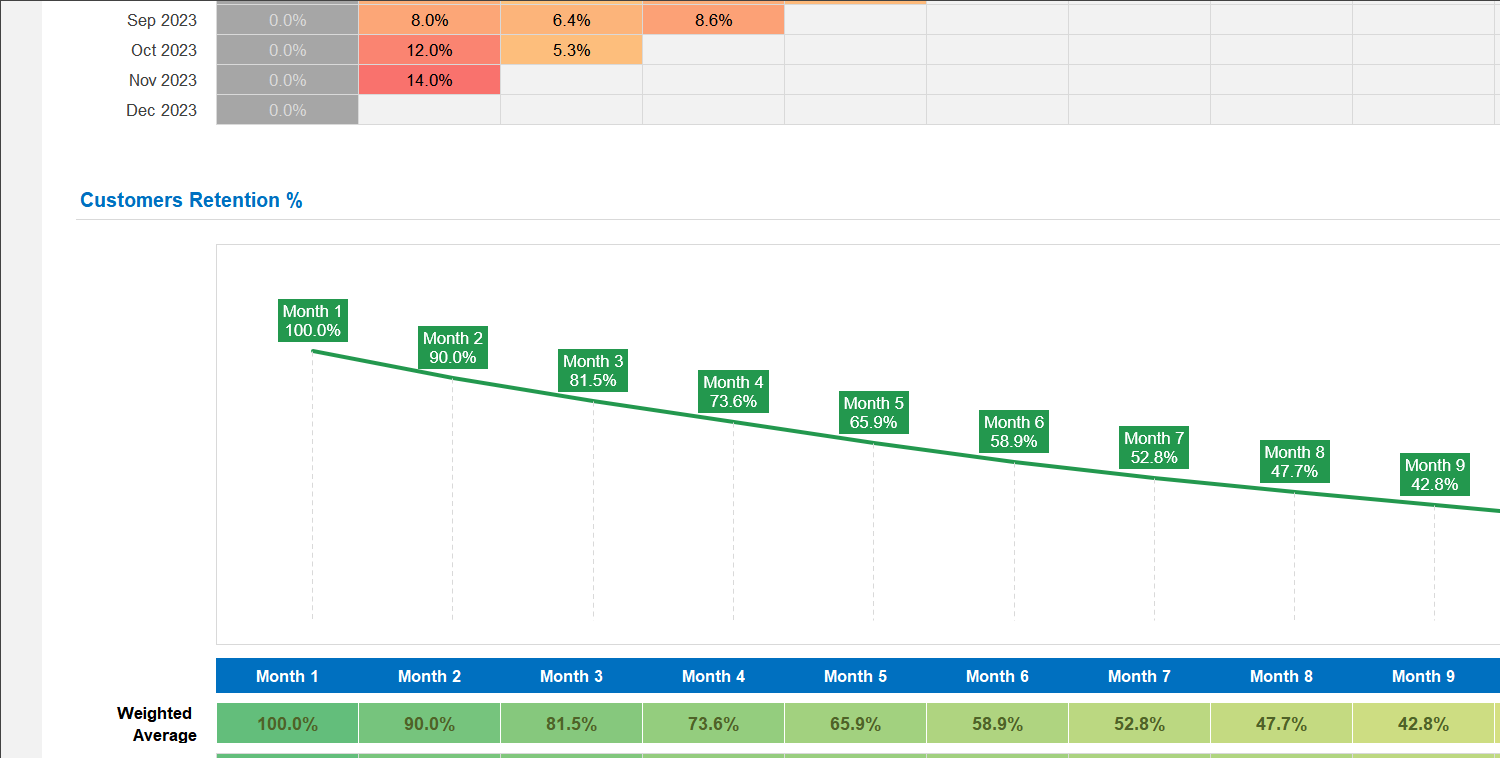
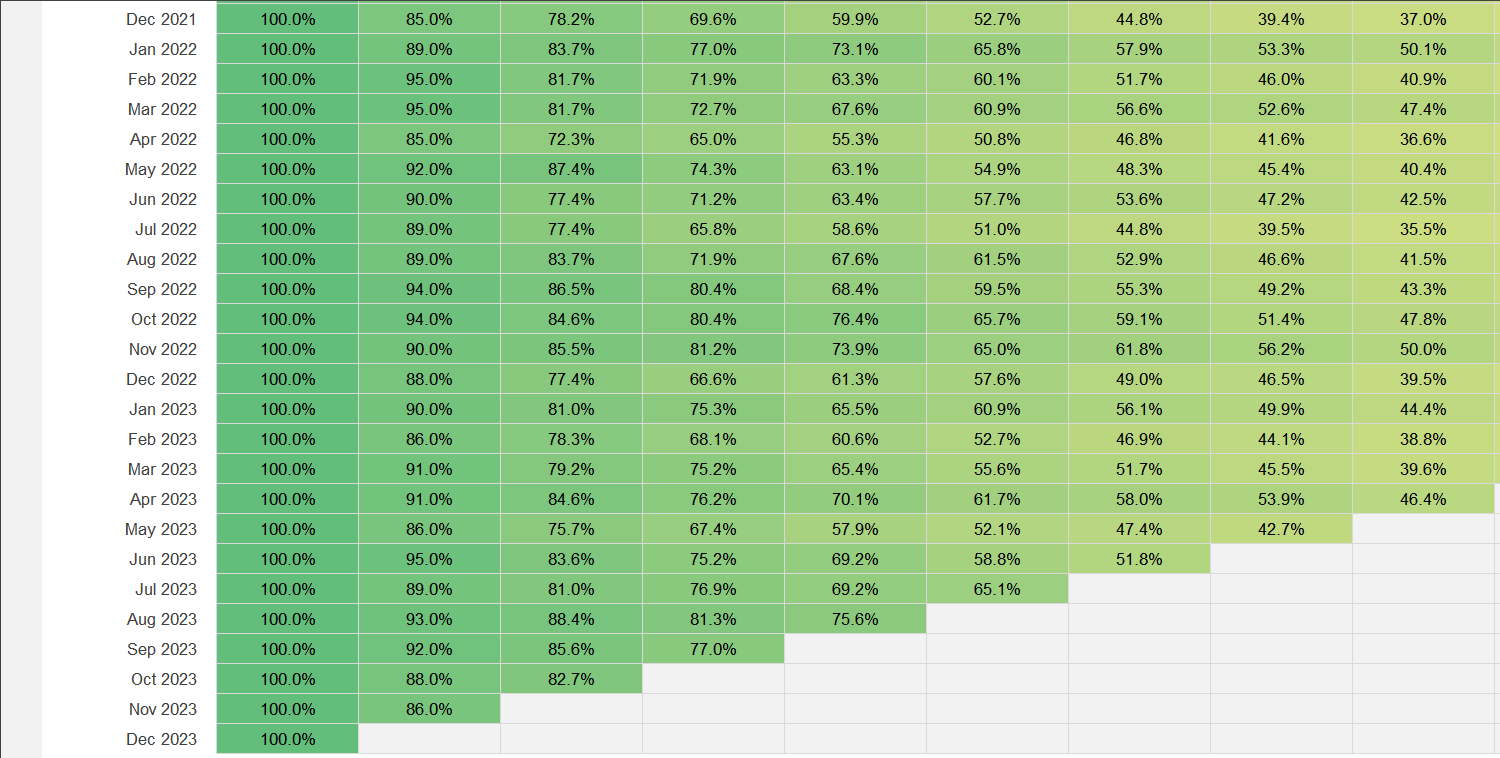
The Customer Cohort Analysis Excel Template is a very useful tool for any digital marketer or sales professional to track the evolution of your brand experience and its ability to convert prospects, leads and customers across the different moments of truth, cohort by cohort.
The Customer Cohort Analysis Excel Template is a very useful tool for any digital marketer or sales professional to track the evolution of your brand experience and its ability to convert prospects, leads and customers across the different moments of truth, cohort by cohort.

Struggling to understand your customer retention trends? Our Customer Cohort Analysis Excel Template is the ultimate solution to track and visualize retention patterns over time, helping you make smarter data-driven decisions.
With this easy-to-use cohort analysis excel tool, you can identify churn points, measure engagement, and compare different customer groups side-by-side for more precise marketing strategies.
Built by analytics experts with years of experience in customer lifecycle optimization, this template ensures accuracy and actionable insights tailored for e-commerce, SaaS, and subscription-based businesses.
Trusted by marketers and sales teams worldwide, this Excel-based solution is fully customizable, with clear instructions and exportable reports, so you can present your findings confidently to stakeholders.
Features:
Sorry! No Reviews Yet!
At the moment, we don't have any reviews for the Customer Cohort Analysis Excel Template.
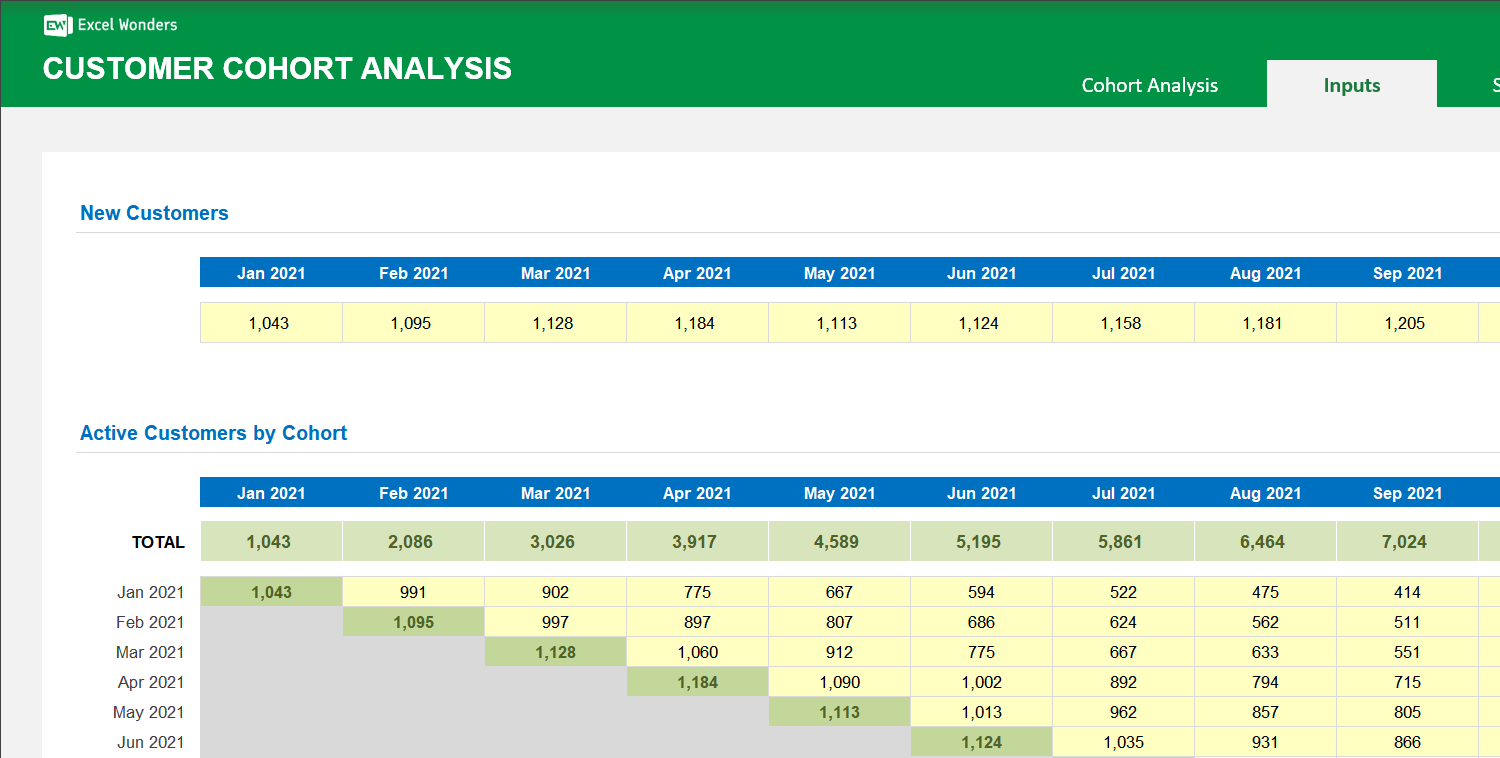
This template visualizes customer retention over time. Follow these three steps: 1. Configure Settings: Go to the 'Settings' sheet to select the time frame for your analysis. 2. Enter Data: Go to the 'Inputs' sheet and add your customer data into the designated yellow cells. 3. View Analysis: Navigate to the 'Cohort Analysis' sheet to see your results.
Yes. On the 'Cohort Analysis' sheet, click the 'Export' button. A dialog box will appear where you can set the file name, type, and save location for your exported analysis.














 Share Options