






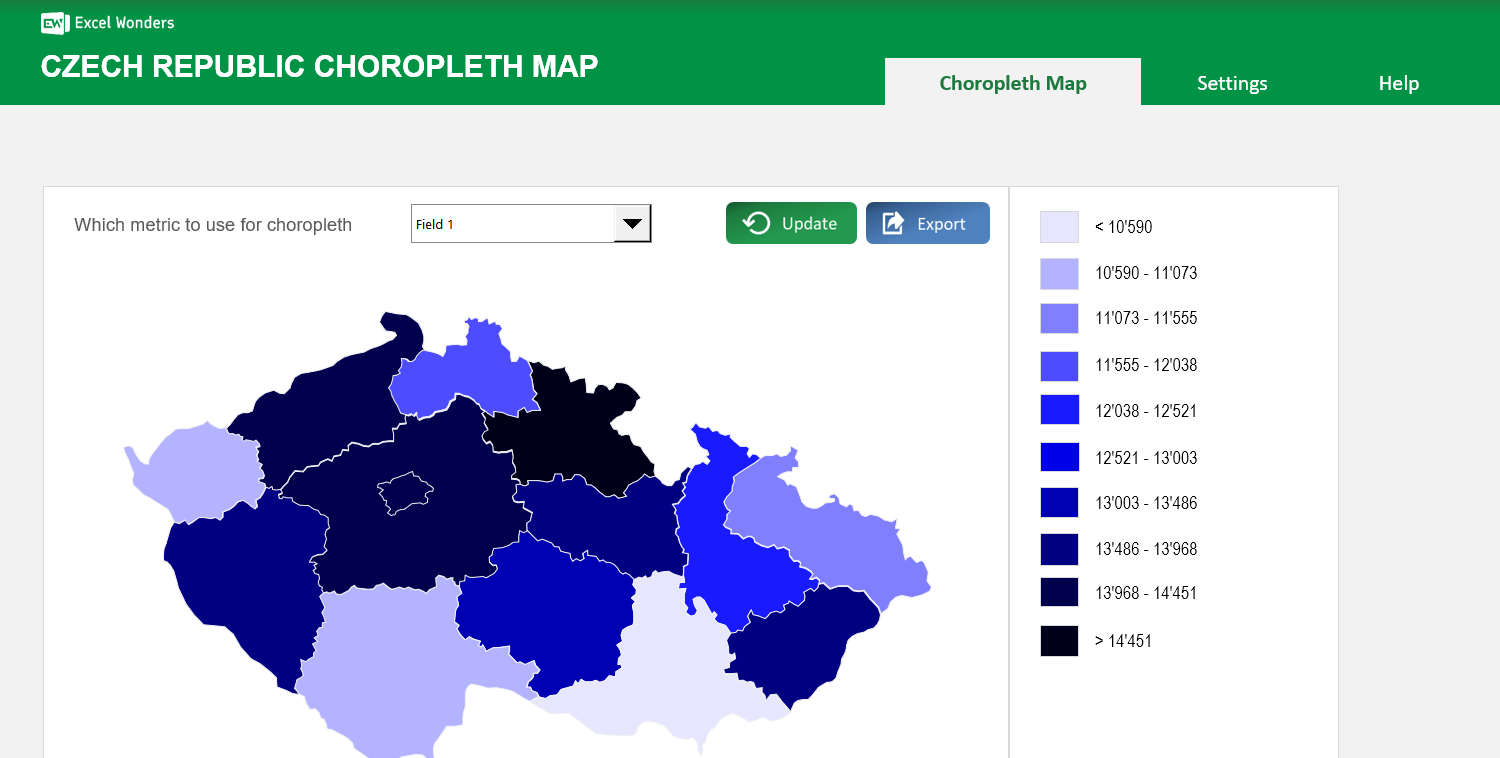
The Czech Republic Choropleth Map Excel Template allows you to create a map of Czech Republic, broken down by regions, with each region colored according to how they rank against a specific metric.
The Czech Republic Choropleth Map Excel Template allows you to create a map of Czech Republic, broken down by regions, with each region colored according to how they rank against a specific metric.

Struggling to present Czech regional data in a clear, engaging way? Our Czech Republic Choropleth Map Excel Template lets you transform statistics into a vibrant, color-coded map that makes patterns instantly visible.
Gain deeper insights by comparing up to three metrics per region, using intuitive dropdowns to switch views instantly. Perfect for reports, research, and education.
Built by Excel mapping specialists, this template includes accurate borders, capitals, and adjustable ranges—trusted by analysts and teachers for precision and usability.
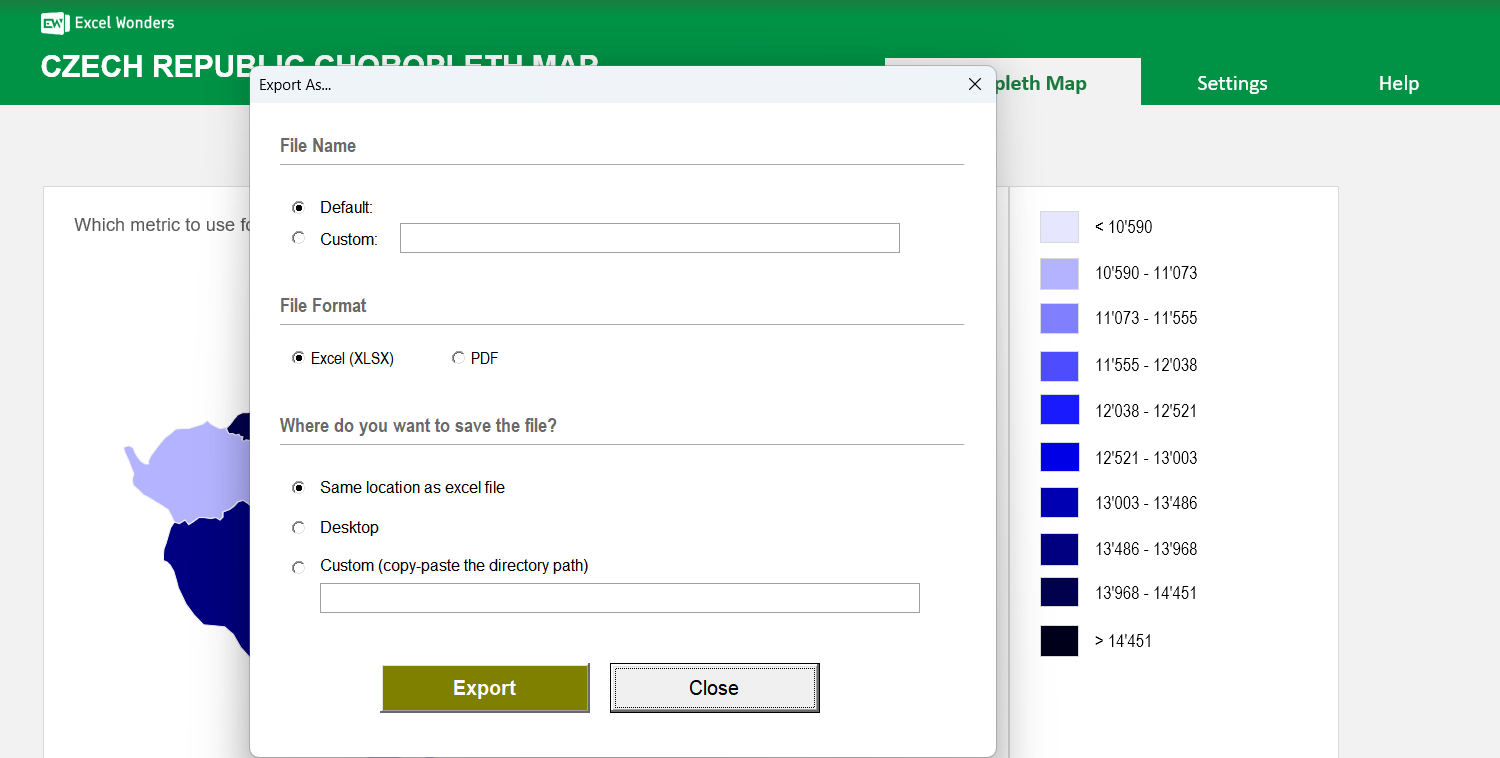
No complex skills needed—just your data and Excel. Includes step-by-step instructions, customizable colors, and export-ready visuals for seamless presentation.
Features:
Sorry! No Reviews Yet!
At the moment, we don't have any reviews for the Czech Republic Choropleth Map Excel Template.
This template creates a choropleth map of the Czech Republic where each region is color-coded based on its value for a specific metric. You can use it to visualize any region-level dataset.
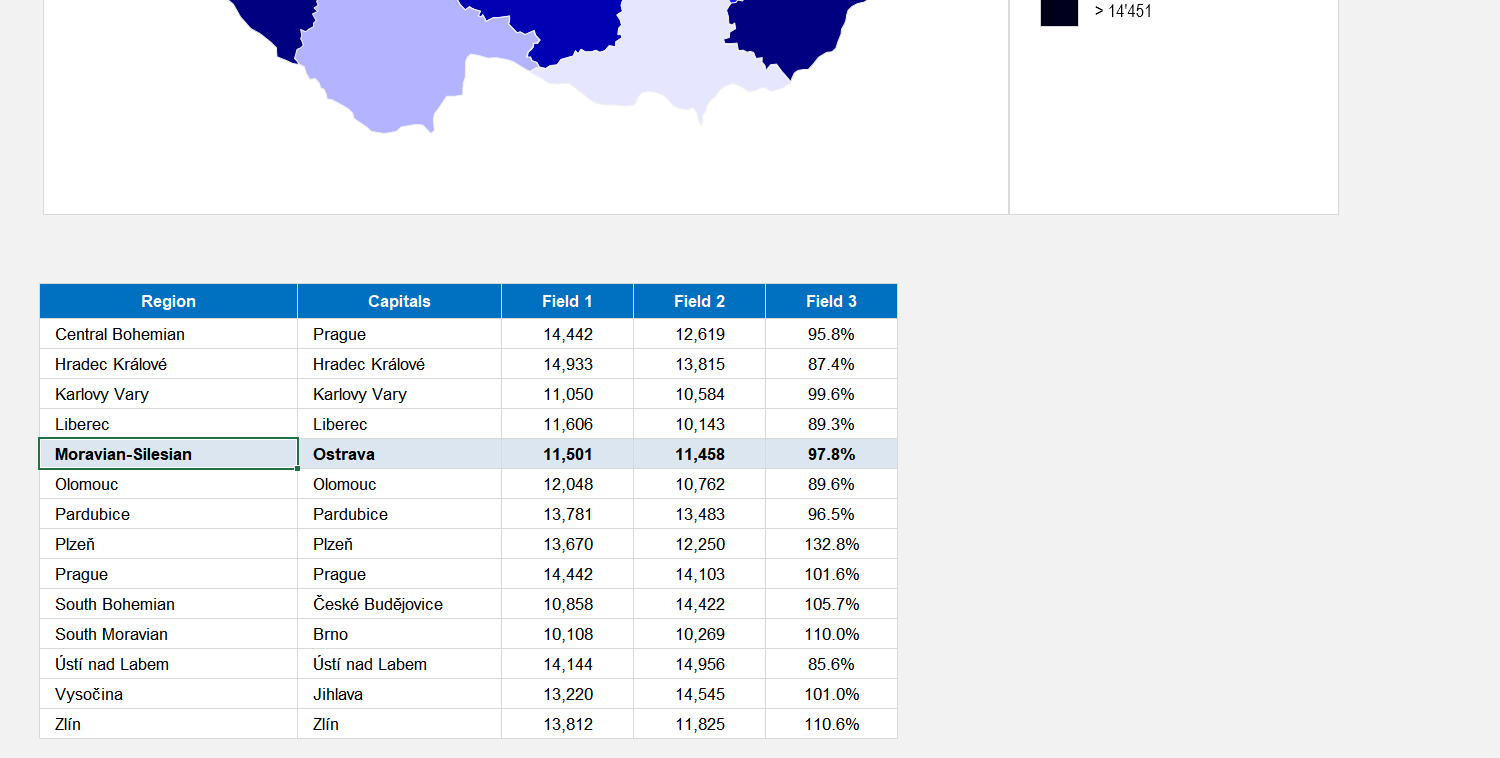
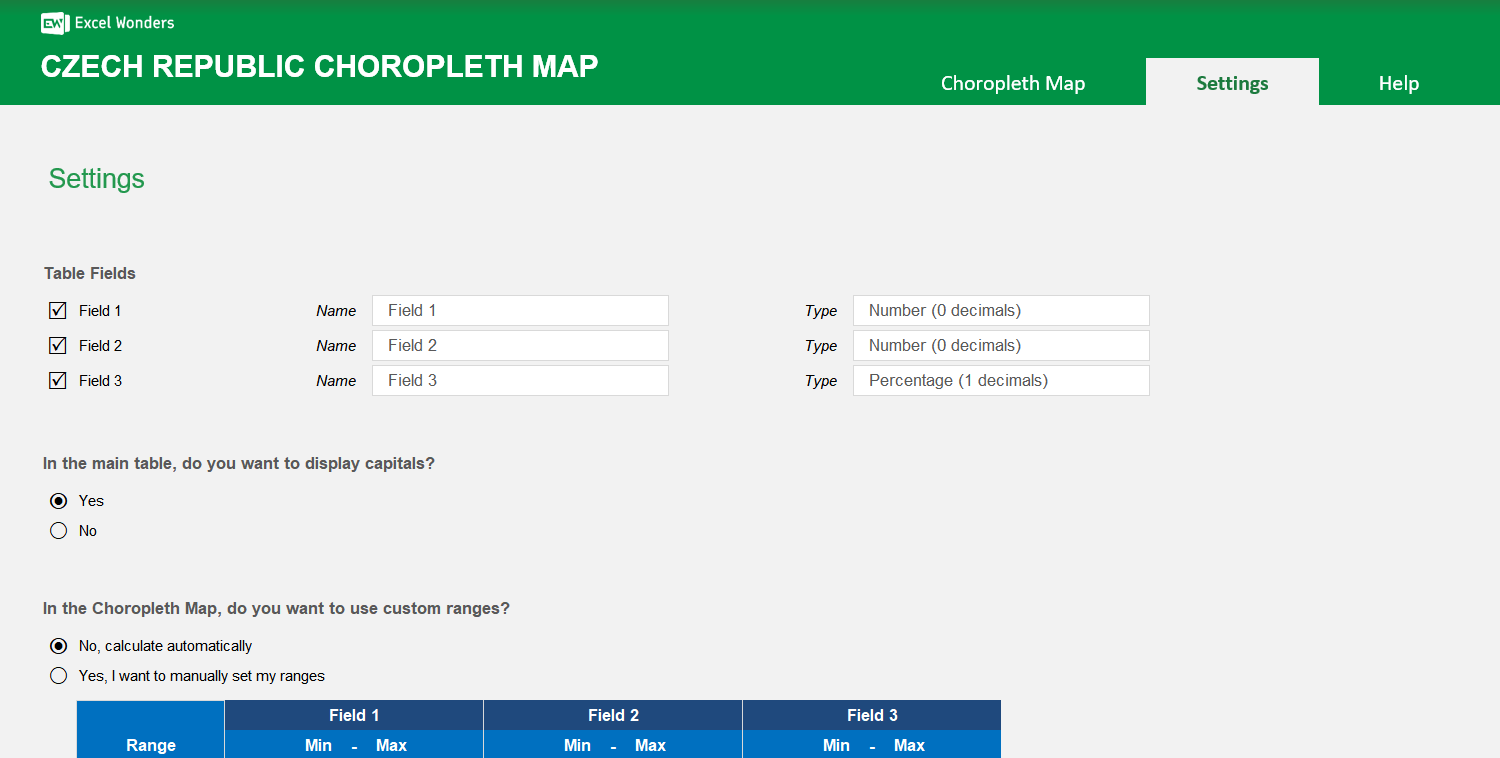
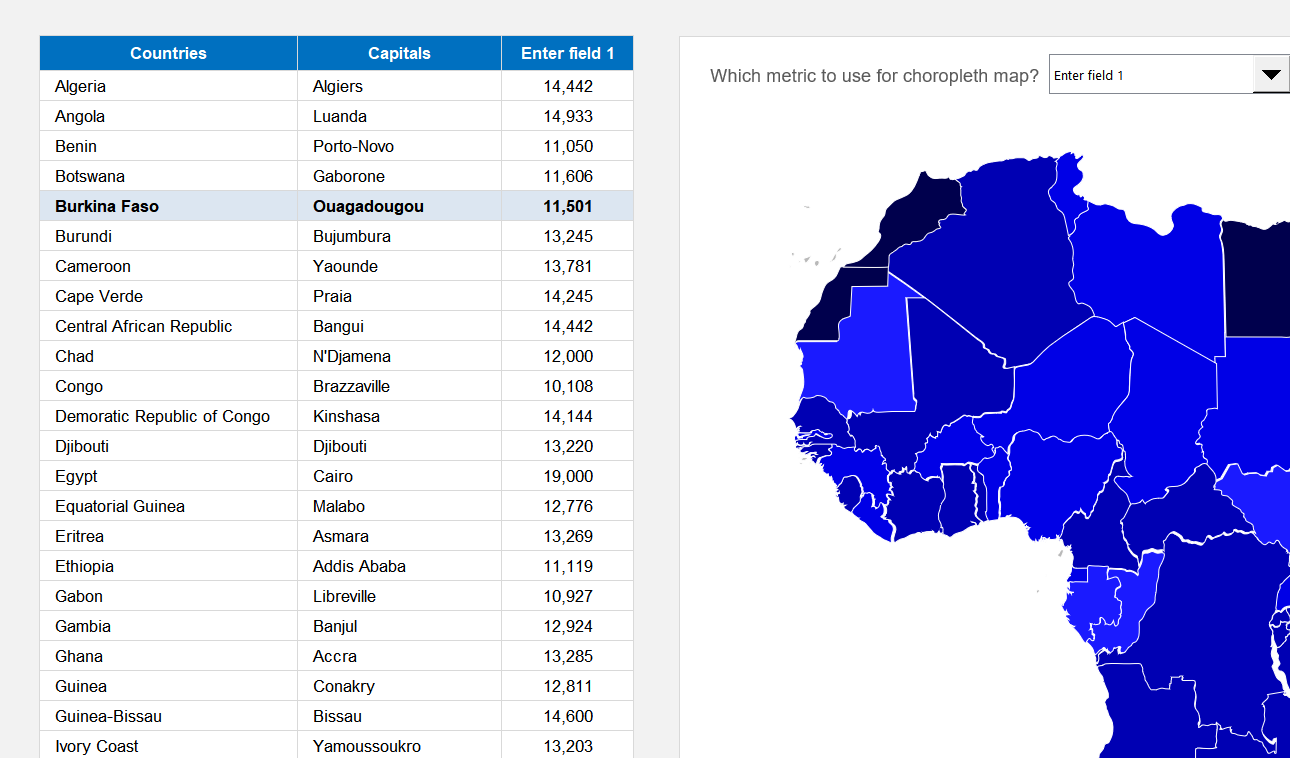
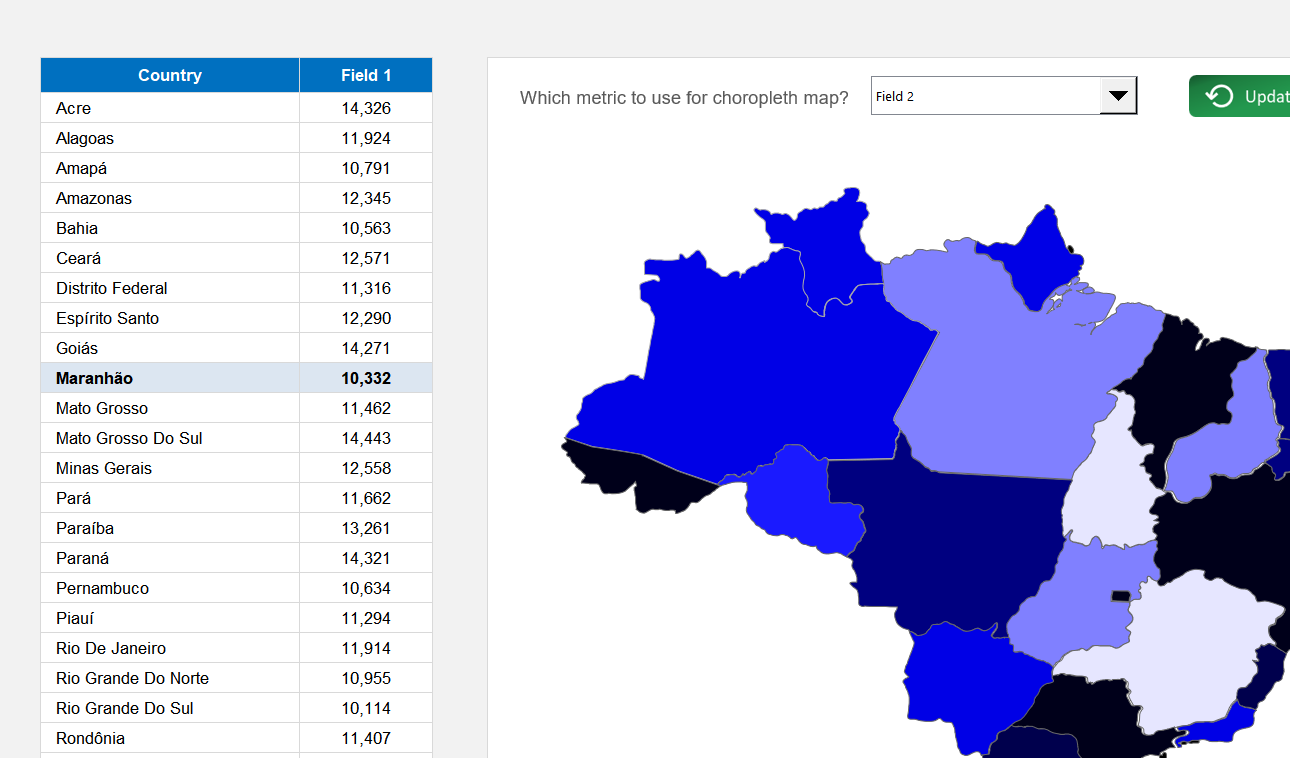
The data table supports up to three data fields per region. Enter your values directly into the table. To customize the field names or to show only one or two fields, go to the "Settings" sheet.
Yes. In the "Settings" sheet, you can set the number format for each data field. Options include absolute number (0 or 1 decimal place) and percentage (0 or 1 decimal place).
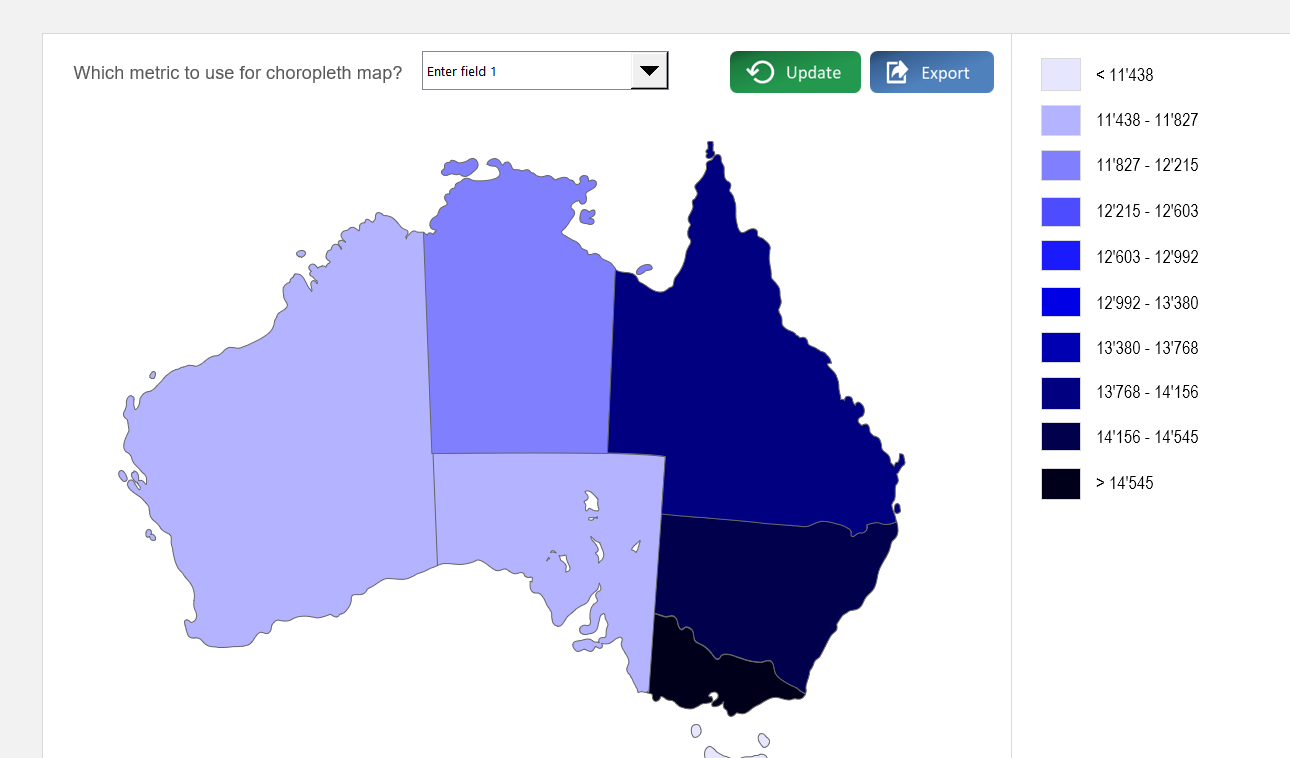
On the "Choropleth Map" sheet, use the dropdown menu located above the map to select which of the three data fields to visualize. The map's colors will update automatically.
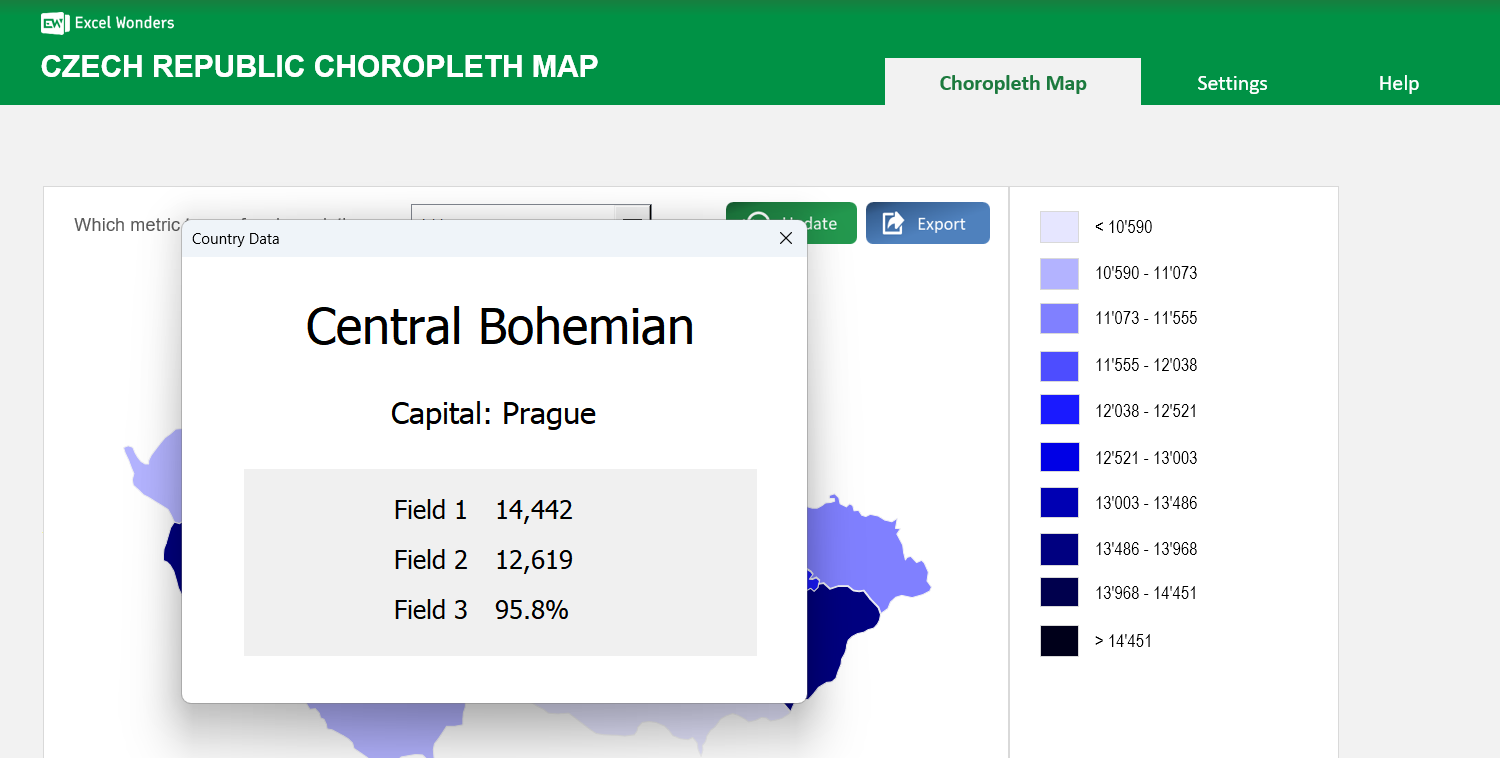
Click on any region directly on the map. A pop-up window will appear displaying that region's name, capital (if enabled), and data for all active fields.
Yes. Go to the "Settings" sheet and set the option for capital visibility to "No". This hides the capitals column in the data table and removes them from the region-specific pop-up.
In the "Settings" sheet, you can choose between two methods: Automatic Ranges, where the template divides your data into 10 even ranges, or Manual Ranges, where you define up to 10 custom data ranges.
Yes. Both the region color scheme and the map background color can be changed in the "Settings" sheet. Use the provided dropdown menu and color picker to make your selections.















 Share Options