






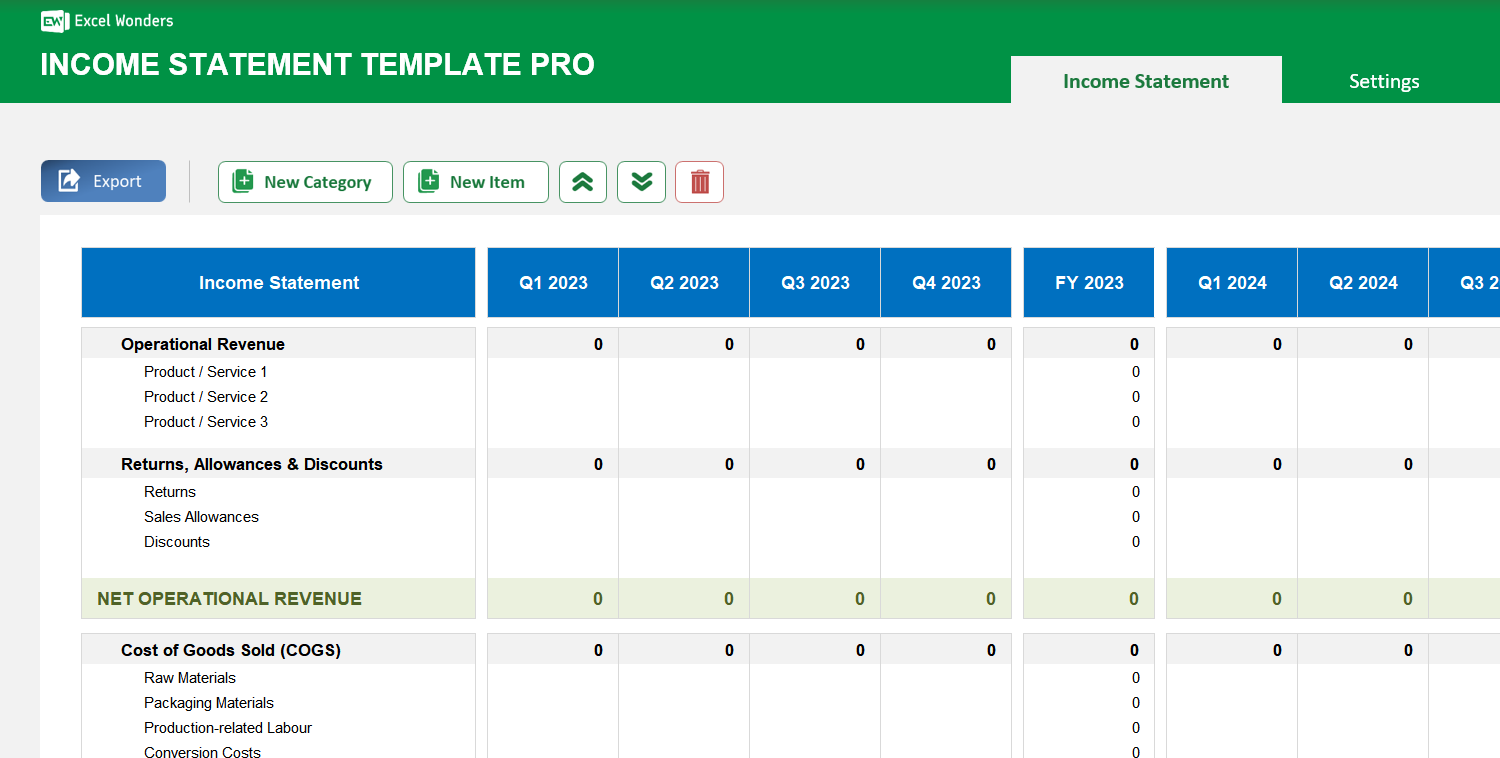
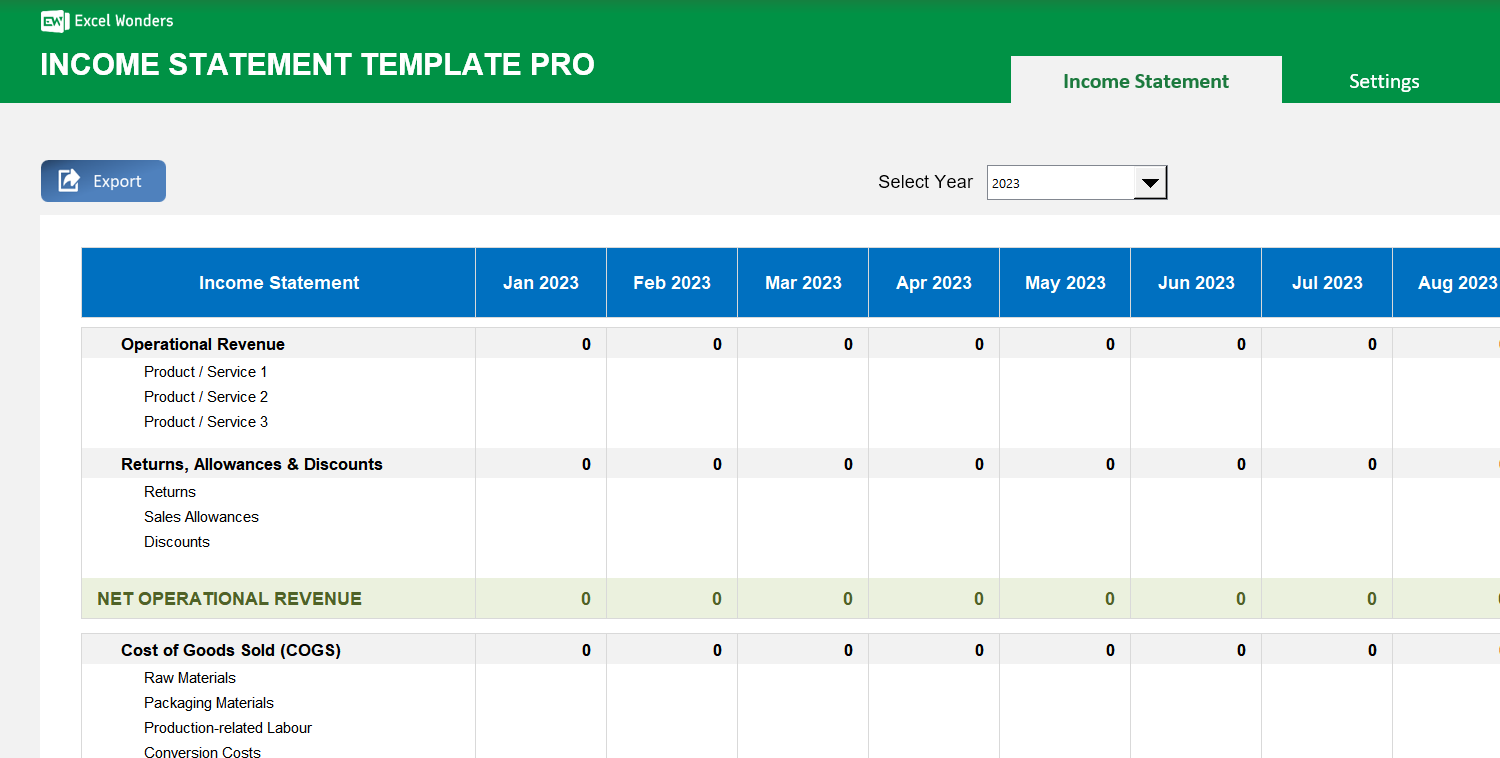
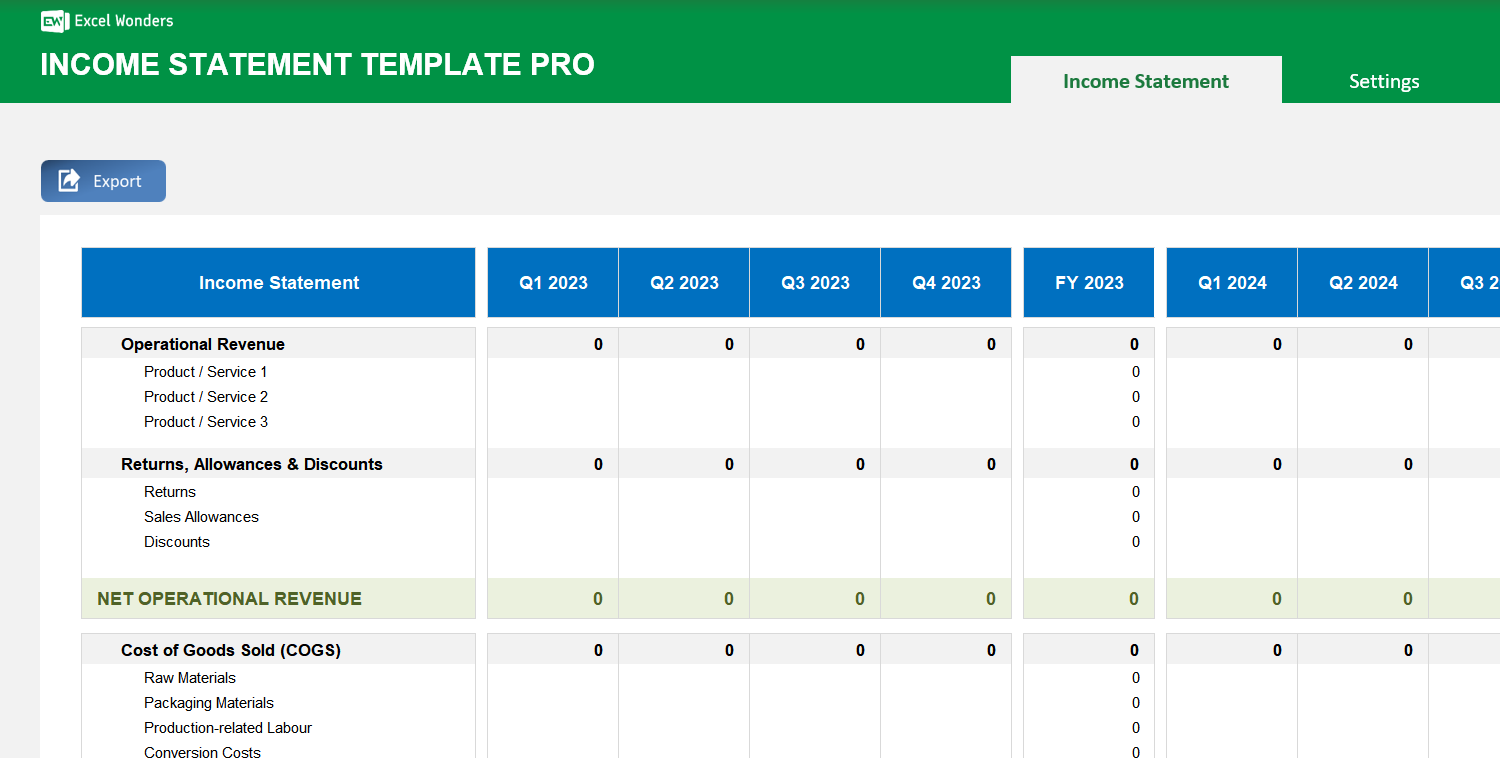
The Income Statement Pro Excel Template gives you extra features compared to the free version, allowing you to create highly customizable profit & losses statements in a monthly, quarterly and annual fashion, with consolidations.
The Income Statement Pro Excel Template gives you extra features compared to the free version, allowing you to create highly customizable profit & losses statements in a monthly, quarterly and annual fashion, with consolidations.

If building accurate profit and loss statements feels overwhelming, the Income Statement Pro Excel Template is your all-in-one solution. Crafted for precision and ease, it lets you create detailed reports faster and with complete control over structure and data.
Designed for businesses and analysts, this pro forma income statement template in Excel supports monthly, quarterly, and annual tracking—automatically consolidating results for deeper insights and better decision-making.
Built by experts with extensive financial modeling experience, it offers a proven framework trusted by professionals to streamline financial planning, analysis, and reporting without costly software.
With secure offline use, intuitive setup, and export capabilities, you can manage sensitive financial data confidently—knowing your reporting is accurate, customizable, and presentation‑ready.
Features:
Sorry! No Reviews Yet!
At the moment, we don't have any reviews for the Income Statement Pro Excel Template.
This template is a tool for creating and tracking professional income statements. Key features include the ability to input data on a monthly, quarterly, or annual basis, a customizable structure, and automatic data consolidation.
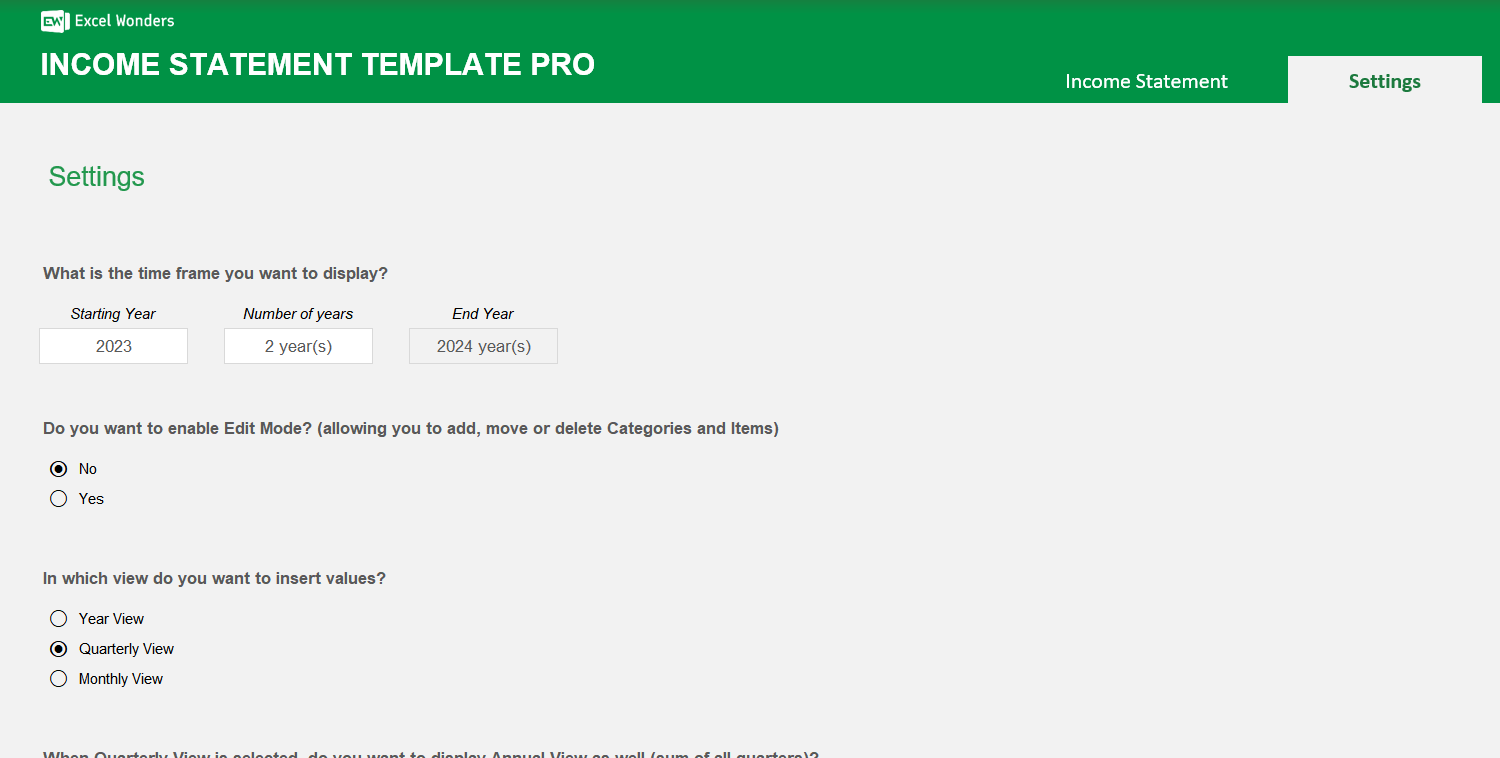
Follow these steps to configure your template: 1. Set Time Frame: In 'Settings', choose your starting year and the number of years to track. 2. Set Data Input: In 'Settings', select whether you will enter data monthly, quarterly, or annually. 3. Enable Editing: Ensure 'Edit Mode' is turned on in 'Settings'. 4. Structure Statement: Go to the 'Income Statement' sheet to add or remove categories and line items. 5. Add Data: Return to 'Settings' to turn off 'Edit Mode', then begin entering your financial data.
To modify the structure, first enable 'Edit Mode' on the 'Settings' sheet. Then, go to the 'Income Statement' sheet to add, edit, or remove categories and line items. When finished, disable 'Edit Mode' in 'Settings' to prevent accidental changes.
The template uses a two-level hierarchy: • Category: A high-level grouping, such as 'Revenue' or 'Operating Expenses'. • Item: A specific line item that belongs to a category, such as 'Product Sales' or 'Salaries'.
Yes. When using monthly data input, the template automatically calculates quarterly and annual consolidations. You can control the visibility of these summary columns on the 'Settings' sheet.
Yes. When using quarterly data input, annual totals are calculated automatically. You can choose to show or hide the annual consolidation columns from the 'Settings' sheet.
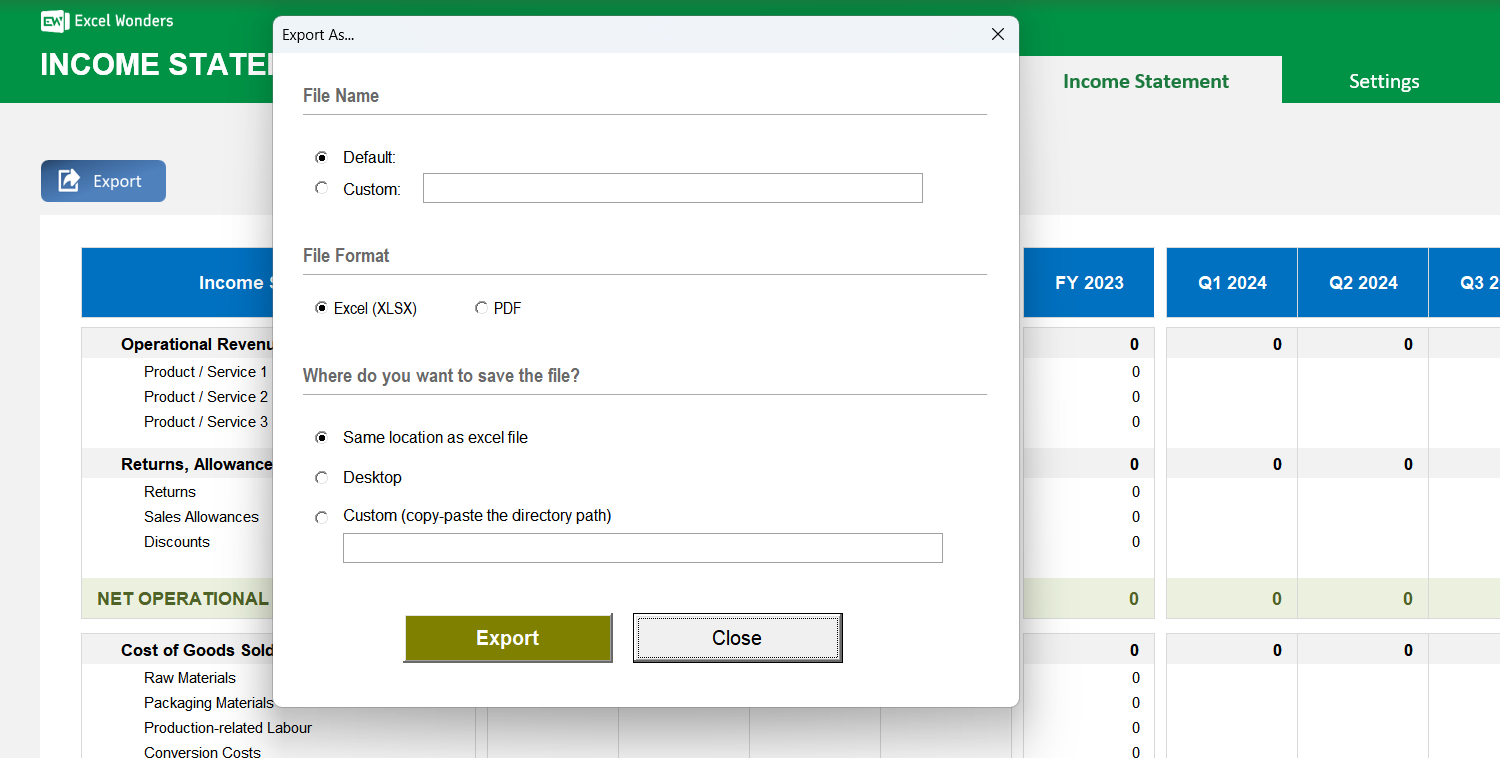
Yes. On the 'Income Statement' sheet, click the 'Export' button. A dialog box will appear where you can set the file name and save location for your exported statement.














 Share Options